






Advertisement
TeamViewer Remote Control
- 4.6 Ratings
- 98.96M Size
- 12+ Age
-
Category
Company -
Updated
Mar 25,2025 -
Version
15.64.1 -
Developer
TeamViewer -
Security
100%
Advertisement
Screenshots
What to expect
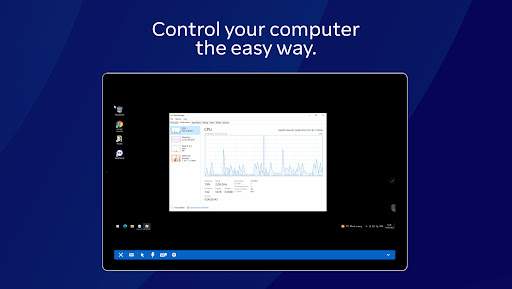
TeamViewer Remote Control is a powerful and versatile remote access and support software that allows users to connect to and control remote devices from anywhere in the world. Whether you need to access your work computer from home, provide technical support to a friend or colleague, or manage multiple devices from a central location, TeamViewer Remote Control has you covered.
One of the key features of TeamViewer Remote Control is its ease of use. With just a few simple steps, users can establish secure connections to remote devices without the need for complex network configurations or technical expertise. The software supports cross-platform connections, meaning you can connect to devices running Windows, macOS, Linux, iOS, or Android operating systems.
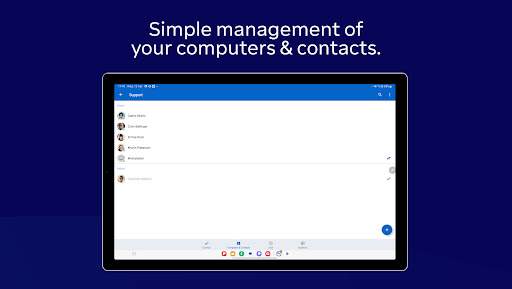
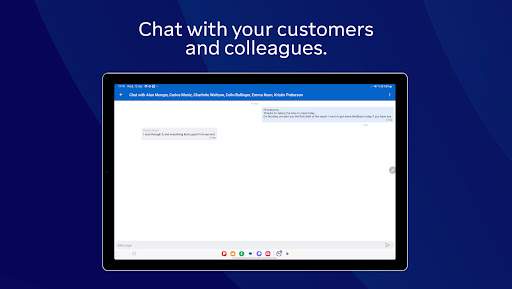
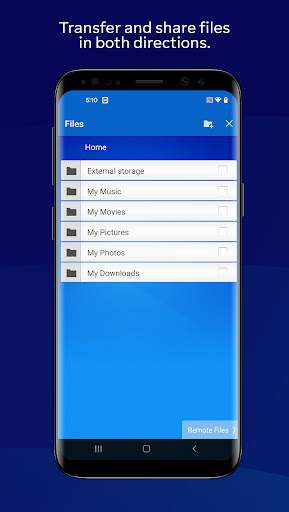
TeamViewer Remote Control offers a wide range of functionalities to enhance remote access and support capabilities. Users can transfer files between devices, chat with remote users, and even record sessions for future reference. The software also supports remote printing, enabling users to print documents from a remote device to a local printer.
Security is a top priority for TeamViewer Remote Control. The software uses end-to-end encryption to protect data transferred between devices, ensuring that sensitive information remains secure during remote sessions. Additionally, TeamViewer Remote Control offers multi-factor authentication, whitelisting, and blacklisting features to further enhance security.
Another notable feature of TeamViewer Remote Control is its remote access capabilities for mobile devices. With the TeamViewer QuickSupport app, users can provide support to smartphones and tablets running iOS or Android operating systems. This feature is especially useful for IT professionals and customer support teams who need to troubleshoot issues on mobile devices.
TeamViewer Remote Control is also a valuable tool for remote collaboration and online meetings. The software includes features such as screen sharing, video conferencing, and presentation mode, making it easy for teams to work together regardless of their physical location. Users can also schedule and host online meetings with participants from around the world.
In conclusion, TeamViewer Remote Control is a comprehensive remote access and support solution that offers ease of use, advanced functionalities, and top-notch security features. Whether you are an IT professional, a remote worker, or a tech-savvy individual, TeamViewer Remote Control provides the tools you need to connect to and control remote devices with confidence. Try TeamViewer Remote Control today and experience the convenience and efficiency of remote access and support.
Verified antivirus