








Advertisement
microsoft-launcher
- 4.6 Ratings
- Size
- 12+ Age
-
Category
Personalisation -
Updated
Jan 20,2025 -
Version
6.241202.1.1162300 -
Developer
Microsoft Corporation -
Security
100%
Advertisement
Screenshots
What to expect
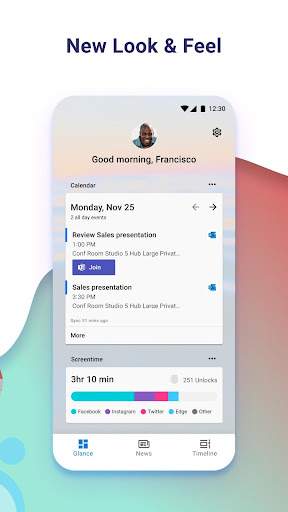
Microsoft Launcher is a versatile and customizable app launcher for Android devices developed by Microsoft Corporation. It is designed to enhance the user experience by offering a wide range of features and functionalities to personalize and optimize the way you interact with your device.
One of the key features of Microsoft Launcher is its ability to seamlessly integrate with Microsoft services such as Office 365, Outlook, and OneDrive. This allows users to access their emails, calendars, documents, and files with ease, making it a great tool for professionals who rely on Microsoft products for their work.
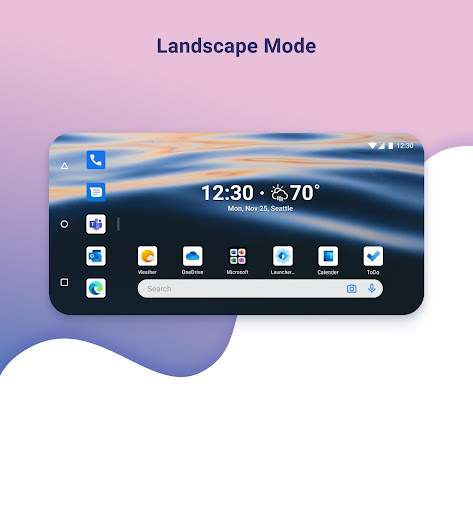
The app also offers a clean and intuitive interface that enables users to organize their apps, contacts, and documents in a way that suits their preferences. With customizable gestures and shortcuts, users can quickly navigate through their device and perform tasks efficiently.
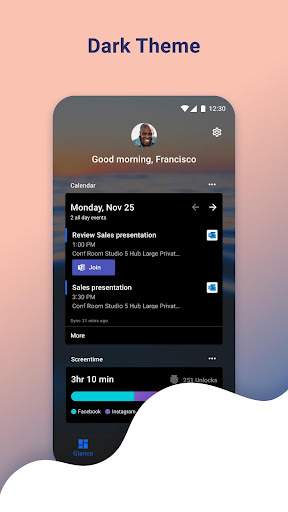
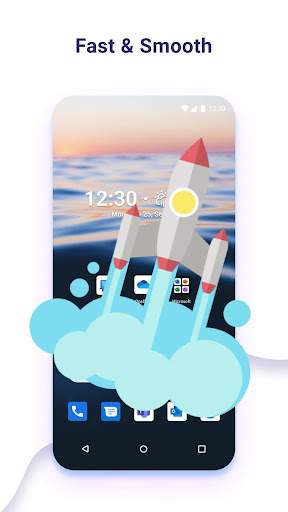
Microsoft Launcher includes a comprehensive set of customization options, allowing users to personalize their home screen, app icons, themes, and wallpapers. This level of customization enables users to create a unique and tailored experience that reflects their style and preferences.
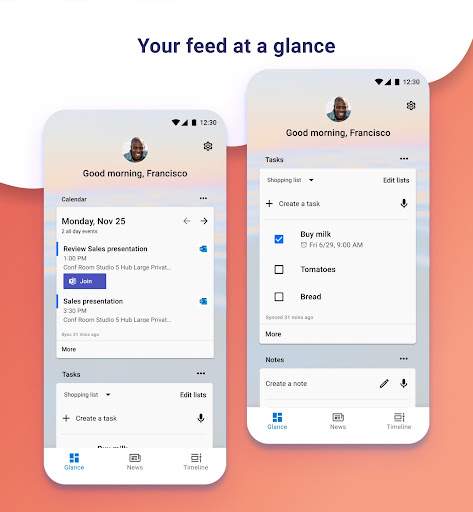
In addition, Microsoft Launcher features a built-in news feed that provides personalized news and updates based on your interests and preferences. This feature helps users stay informed and up-to-date on the latest news and trends without having to switch between multiple apps.
Another standout feature of Microsoft Launcher is its support for Microsoft's Your Phone Companion app, which allows users to seamlessly connect their Android device to their Windows 10 PC. This integration enables users to access photos, messages, and notifications from their phone directly on their PC, enhancing productivity and convenience.
Furthermore, Microsoft Launcher offers a robust set of security and privacy features to ensure that your data remains safe and protected. With features like app lock, password protection, and secure backup and restore options, users can have peace of mind knowing that their personal information is secure.
Overall, Microsoft Launcher is a feature-rich and versatile app launcher that offers a seamless integration with Microsoft services, extensive customization options, and useful productivity features. Whether you are a professional looking to streamline your work tasks or a casual user seeking a more personalized Android experience, Microsoft Launcher is a great choice to enhance your device functionality and efficiency.
Verified antivirus
Similar Apps
-

- MD266 Classic Watch Face
- 4.4
-
- facer-watch-faces
- 4.0
-
- launcher-ios-18
- 4.8
-
- SkyCenter Control
- 3.9
-
- Live Wallpapers by Horizon
- 4.7
-
- Make Money: Play & Earn Cash
- 4.5
-
- smart-launcher-6-home-screen
- 4.3
-
- find-my-phone-phone-locator
- 4.3
-
- Emoji Up genmoji sticker maker
- 4.4
-
- Launcher OS™
- 4.4
-
- Wallpapers
- 4.0
-
- Icon Changer And Icon Editor
- 3.0