










Advertisement

Easy Homescreen
- 4.6 Ratings
- Size
- 12+ Age
-
Category
Personalisation -
Updated
Mar 29,2025 -
Version
1.7.37 -
Developer
Homescreen Apps -
Security
100%
Advertisement
Screenshots
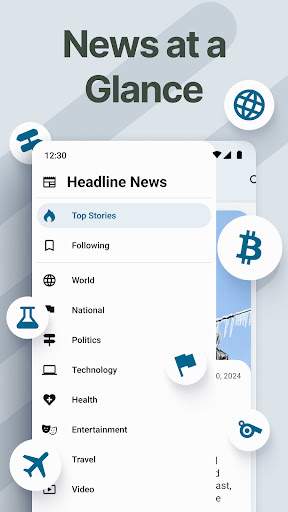
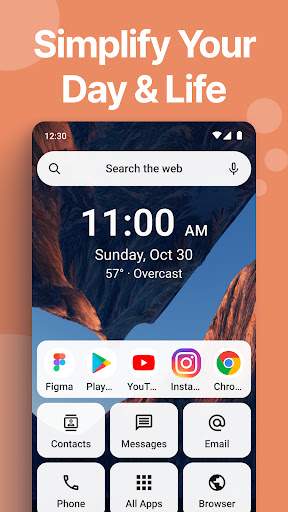
What to expect
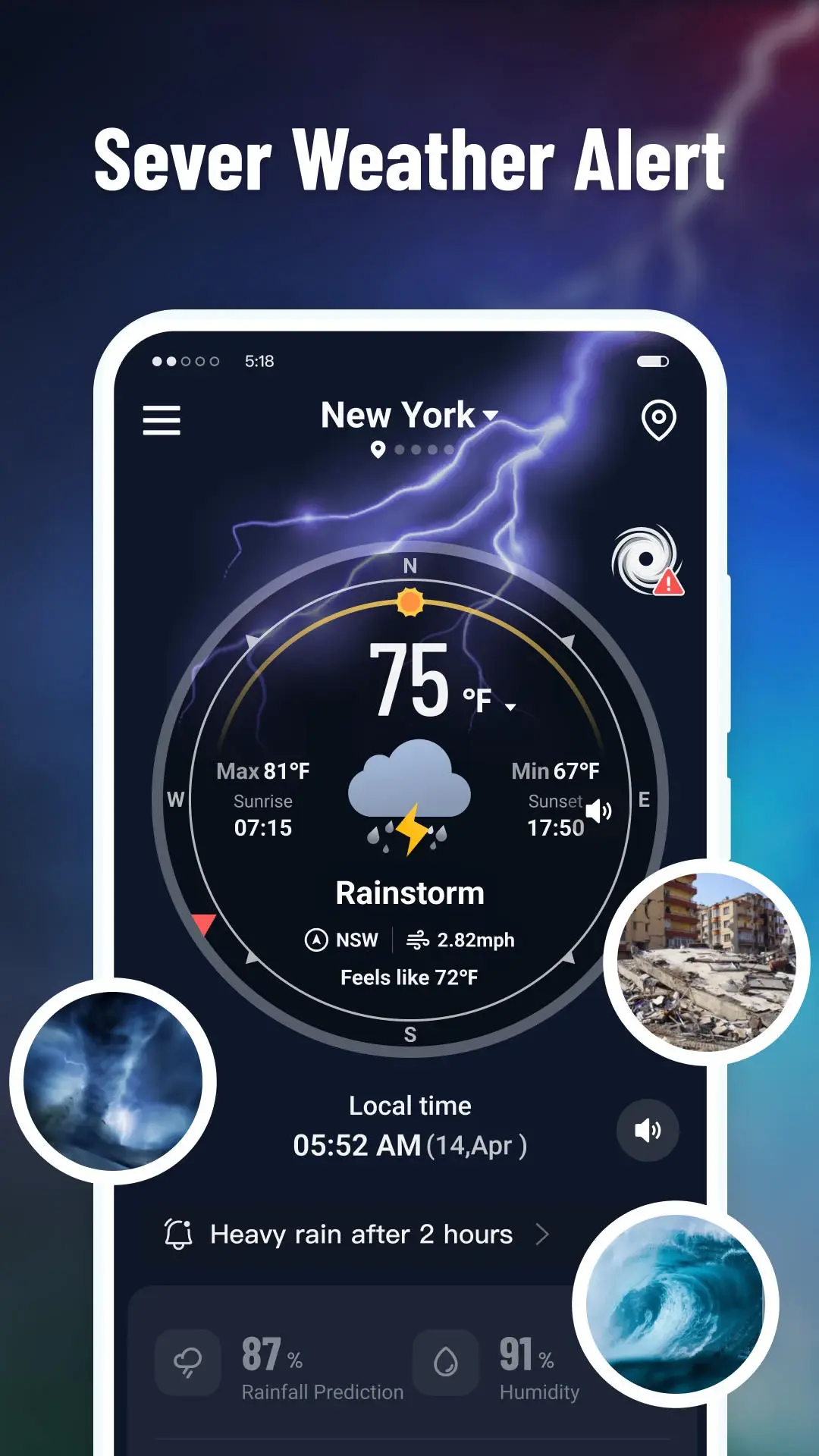
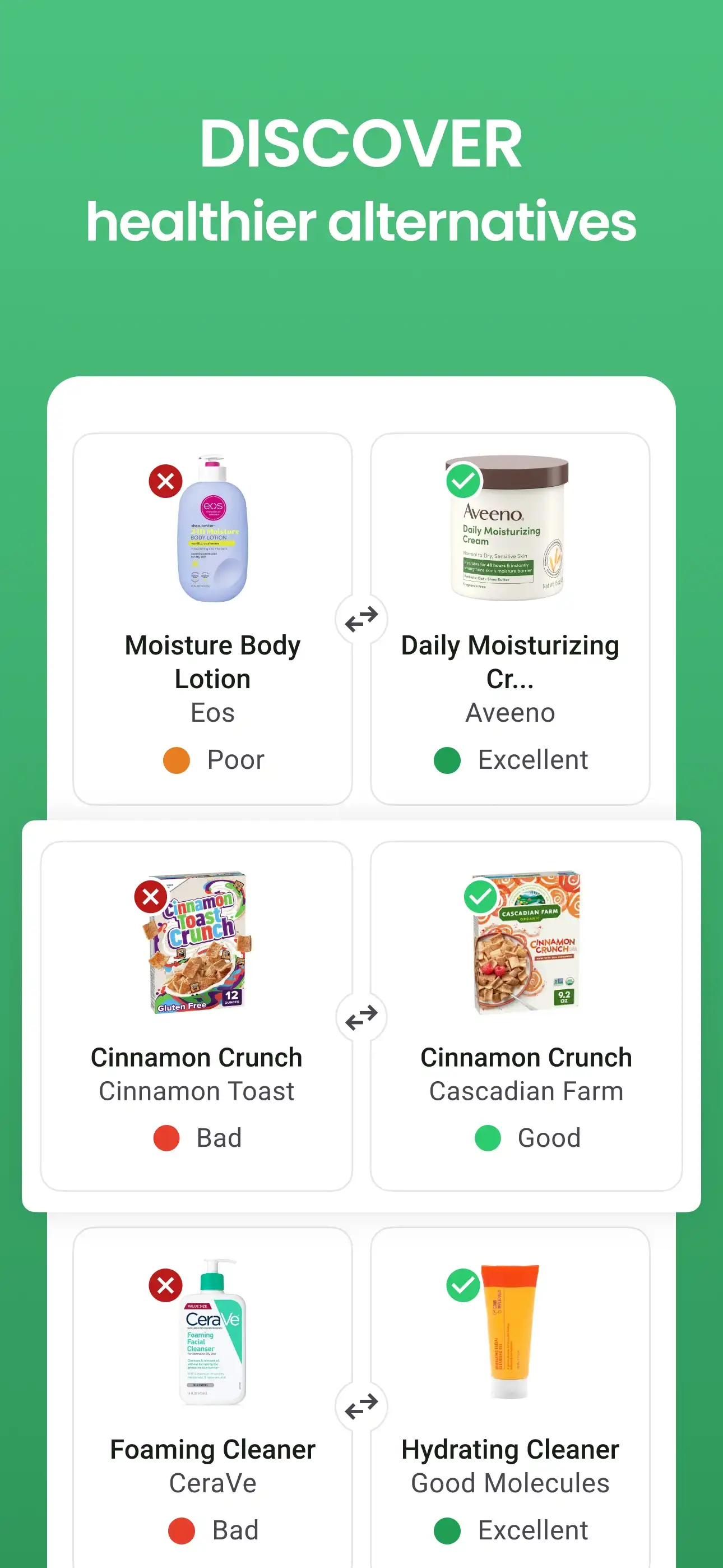
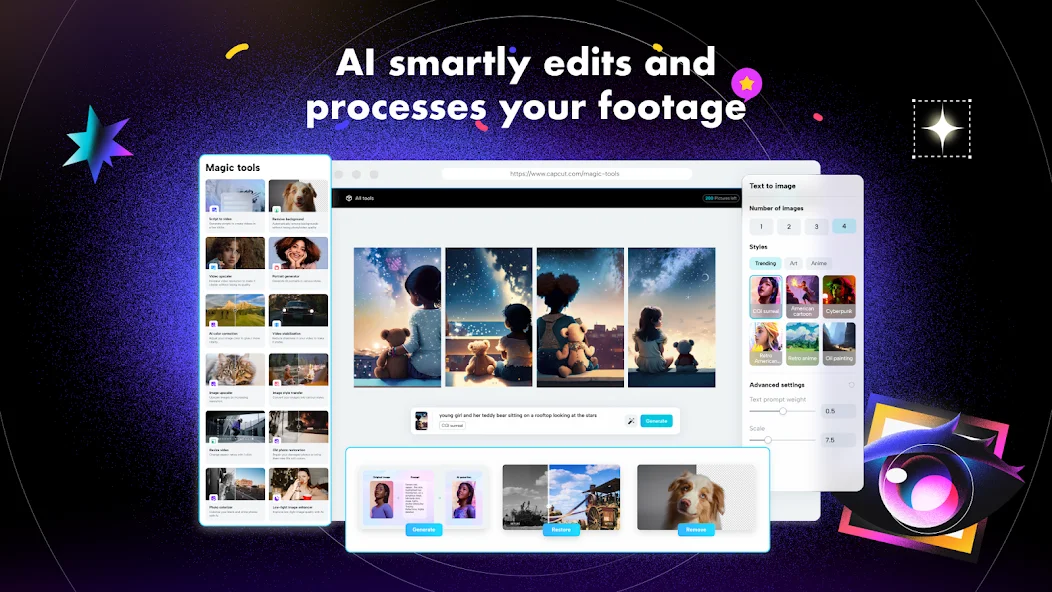
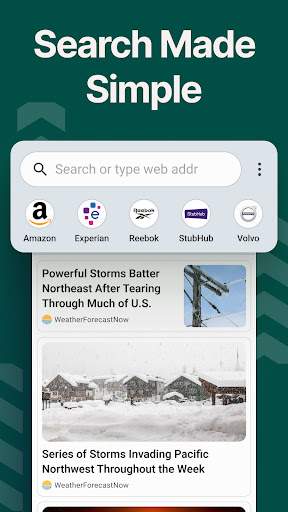
Introducing Easy Homescreen - the ultimate solution for customizing and organizing your Android device's home screen with ease and efficiency. With Easy Homescreen, you can take control of your device's appearance and functionality, creating a personalized and user-friendly experience that suits your unique style and preferences.
Gone are the days of struggling with complicated settings and widgets to achieve the perfect home screen layout. Easy Homescreen simplifies the process, offering a user-friendly interface and intuitive tools that make customization a breeze. Whether you're a tech-savvy enthusiast or a casual user looking to enhance your device's aesthetics, Easy Homescreen has something for everyone.
Key Features of Easy Homescreen:
1. **Customization Options**: Easy Homescreen provides a wide range of customization options, allowing you to personalize every aspect of your home screen. From changing wallpapers and icon packs to adjusting widget sizes and layouts, the possibilities are endless.
2. **Themes and Styles**: Explore a diverse collection of themes and styles to give your home screen a fresh and unique look. Whether you prefer minimalist designs, vibrant colors, or elegant aesthetics, Easy Homescreen has something to suit every taste.
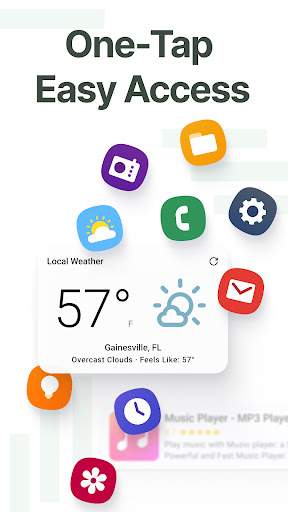
3. **Widgets and Shortcuts**: Easily add widgets and shortcuts to your home screen for quick access to your favorite apps, contacts, and information. With Easy Homescreen, you can arrange and resize widgets with a simple drag-and-drop interface.
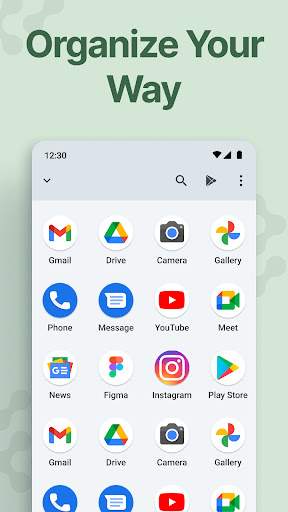
4. **Organizational Tools**: Keep your home screen organized and clutter-free with Easy Homescreen's organizational tools. Group apps into folders, create custom app drawers, and arrange icons to optimize your workflow and productivity.
5. **Performance Optimization**: Improve your device's performance and efficiency with Easy Homescreen's optimization tools. Streamline your home screen layout, reduce clutter, and enhance system responsiveness for a smoother user experience.
6. **Backup and Restore**: Easily backup and restore your home screen layout and settings with Easy Homescreen. Never worry about losing your customization preferences when switching devices or resetting your phone.
7. **User-Friendly Interface**: Easy Homescreen features a clean and intuitive interface that makes customization accessible to users of all skill levels. Whether you're a beginner or a seasoned pro, you'll find Easy Homescreen easy to navigate and use.
Enhance your Android experience with Easy Homescreen and transform your device's home screen into a personalized and functional masterpiece. Download Easy Homescreen today and unleash your creativity with endless customization possibilities. Whether you're looking to revamp your home screen or simply add a touch of personal flair, Easy Homescreen is the perfect tool to help you achieve your customization goals.
Verified antivirus