






Advertisement
Google Docs
- 4.6 Ratings
- 301.97M Size
- 12+ Age
-
Category
Business Office -
Updated
Mar 31,2025 -
Version
1.2025.13205 -
Developer
Google LLC -
Security
100%
Advertisement
Screenshots
What to expect
Google Docs is a versatile and user-friendly online word processing software offered by Google. It allows users to create, edit, and collaborate on documents in real-time, making it an essential tool for individuals, businesses, students, and professionals alike.
One of the key features of Google Docs is its cloud-based nature, which means that users can access their documents from any device with an internet connection. This makes it easy to work on projects from anywhere, whether you're at home, in the office, or on the go. Additionally, since all changes are automatically saved to the cloud, there's no need to worry about losing your work if your device crashes or malfunctions.
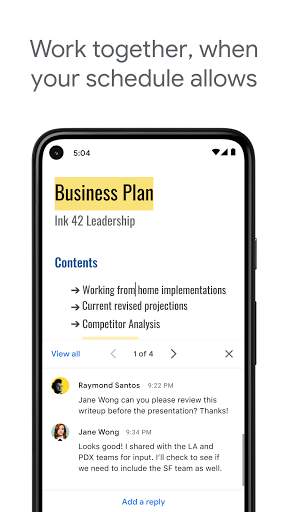
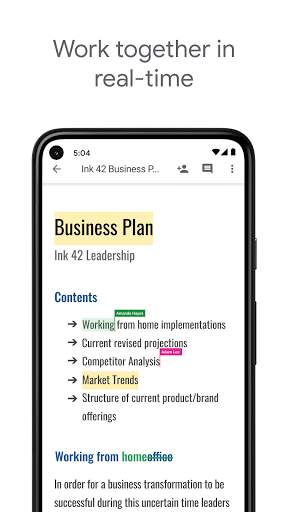
Collaboration is made seamless with Google Docs, as multiple users can work on the same document simultaneously. This feature is especially useful for group projects, team meetings, or simply when you need feedback or input from others. Users can leave comments, suggest edits, or chat in real-time within the document, streamlining the collaborative process.
Another standout feature of Google Docs is its extensive range of templates, which cater to various needs and purposes. From resumes and cover letters to project proposals and business reports, there's a template for almost any type of document you might need to create. These templates not only save time but also provide a professional and polished look to your documents.
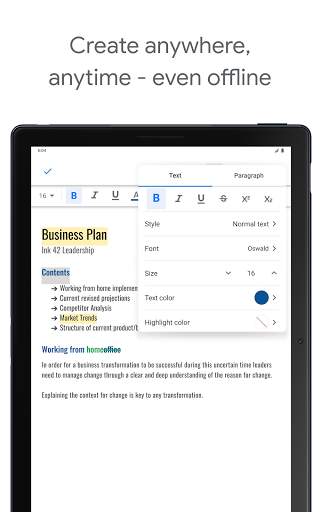
Google Docs also offers robust formatting options, allowing users to customize their documents to suit their preferences. Whether you need to adjust margins, change fonts, insert images, create tables, or add hyperlinks, Google Docs provides all the tools necessary to create visually appealing and well-organized documents.
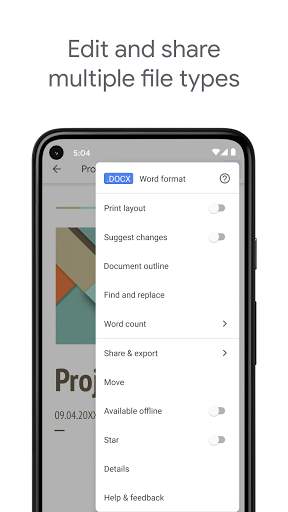
Furthermore, Google Docs seamlessly integrates with other Google Workspace apps, such as Google Sheets and Google Slides, for a complete productivity suite. This integration allows for easy sharing and transferring of data between different types of documents, increasing efficiency and collaboration among users.
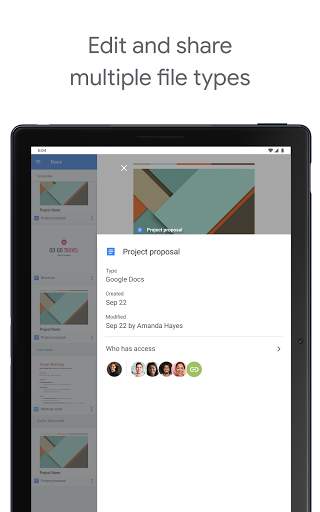
Security is a top priority with Google Docs, as all documents are encrypted and protected by Google's advanced security measures. Users can control access to their documents by setting viewing and editing permissions, ensuring that sensitive information remains confidential and secure.
In conclusion, Google Docs is a powerful and versatile tool that simplifies the process of creating, editing, and collaborating on documents. With its cloud-based nature, real-time collaboration features, extensive templates, formatting options, and seamless integration with other Google apps, Google Docs is an indispensable tool for anyone looking to enhance their productivity and streamline their workflow.
Verified antivirus
Similar Apps
-

- QR & Barcode Reader
- 4.6
-
- quickbooks-workforce
- 4.6
-
- remote-control-app-for-all-tvs
- 4.1
-
- microsoft-word-edit-documents
- 4.8
-
- Countdown Widget・Countdown app
- 4.2
-
- Planning Center Services
- 4.3
-
- Smart Home Manager
- 4.5
-
- document-reader-pdf-editor
- 4.6
-
- PDF Note Reader
- 4.2
-
- Google Gemini
- 4.6
-
- Gallery
- 3.5
-
- LastPass Authenticator
- 4.4