










Advertisement
microsoft-word-edit-documents
- 4.6 Ratings
- Size
- 12+ Age
-
Category
Business Office -
Updated
Mar 20,2025 -
Version
2025-03-20 -
Developer
Microsoft Corporation -
Security
100%
Advertisement
Screenshots
What to expect
Microsoft Word is a versatile and powerful word processing application that allows users to create, edit, format, and share documents with ease. As a part of the Microsoft Office suite, Word has become a staple tool for individuals, students, professionals, and businesses around the world.
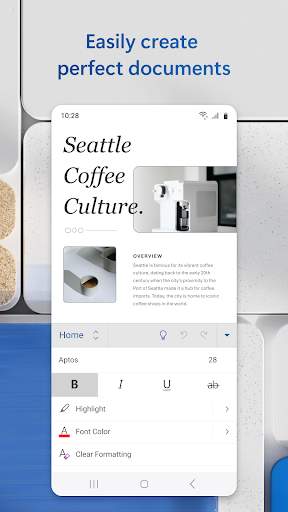
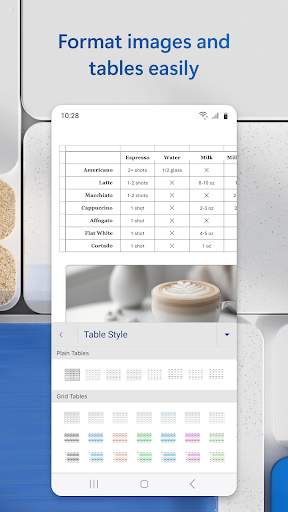
One of the key features of Microsoft Word is its user-friendly interface, which makes it easy for users to start creating documents right away. The toolbar at the top of the screen provides quick access to commonly used functions such as formatting text, inserting images, creating tables, and more. Users can also customize the toolbar to include their most frequently used commands for even faster access.
Word offers a wide range of formatting options to help users create professional-looking documents. Users can choose from a variety of fonts, sizes, colors, and styles to customize the appearance of their text. Additionally, Word allows users to add headers, footers, page numbers, and other elements to their documents to enhance readability and organization.
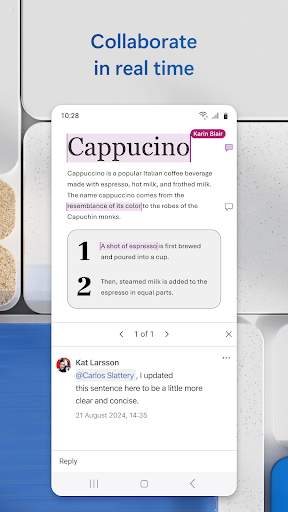
Collaboration is made easy with Microsoft Word, as users can share their documents with others for real-time editing and commenting. Multiple users can work on a document simultaneously, making it ideal for team projects or group assignments. Word also offers a track changes feature, which allows users to see and accept or reject edits made by others.
For users who need to create complex documents, Microsoft Word offers advanced features such as mail merge, macros, and templates. Mail merge allows users to create personalized documents, such as form letters or mailing labels, by merging data from a spreadsheet or database. Macros enable users to automate repetitive tasks by recording a series of commands that can be executed with a single click. Templates provide users with pre-designed layouts for various types of documents, saving time and ensuring consistency.
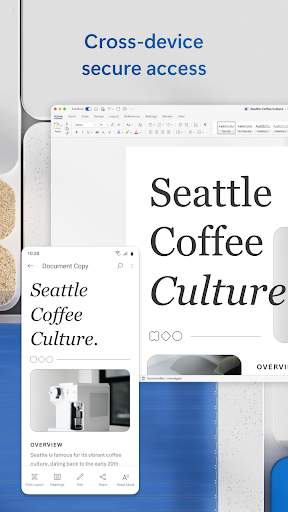
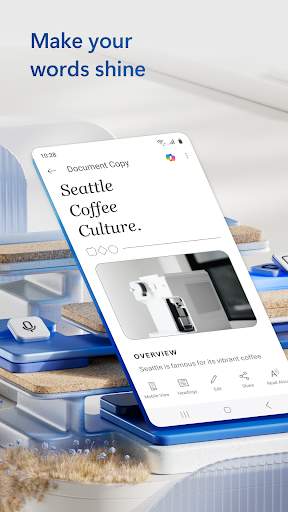
In addition to its desktop version, Microsoft Word is also available as a mobile app, allowing users to create and edit documents on the go. The mobile app offers many of the same features as the desktop version, including formatting options, collaboration tools, and cloud storage integration. Users can easily switch between devices and continue working on their documents seamlessly.
Overall, Microsoft Word is a comprehensive word processing tool that offers users the flexibility and functionality they need to create professional documents for any purpose. Whether you're writing a report, crafting a resume, or collaborating on a project, Word provides the tools you need to bring your ideas to life. With its intuitive interface, extensive feature set, and seamless integration with other Microsoft Office applications, Word remains a top choice for anyone looking to edit documents efficiently and effectively.
Verified antivirus